Your Xcode Simulator
Supercharged
SimCockpit
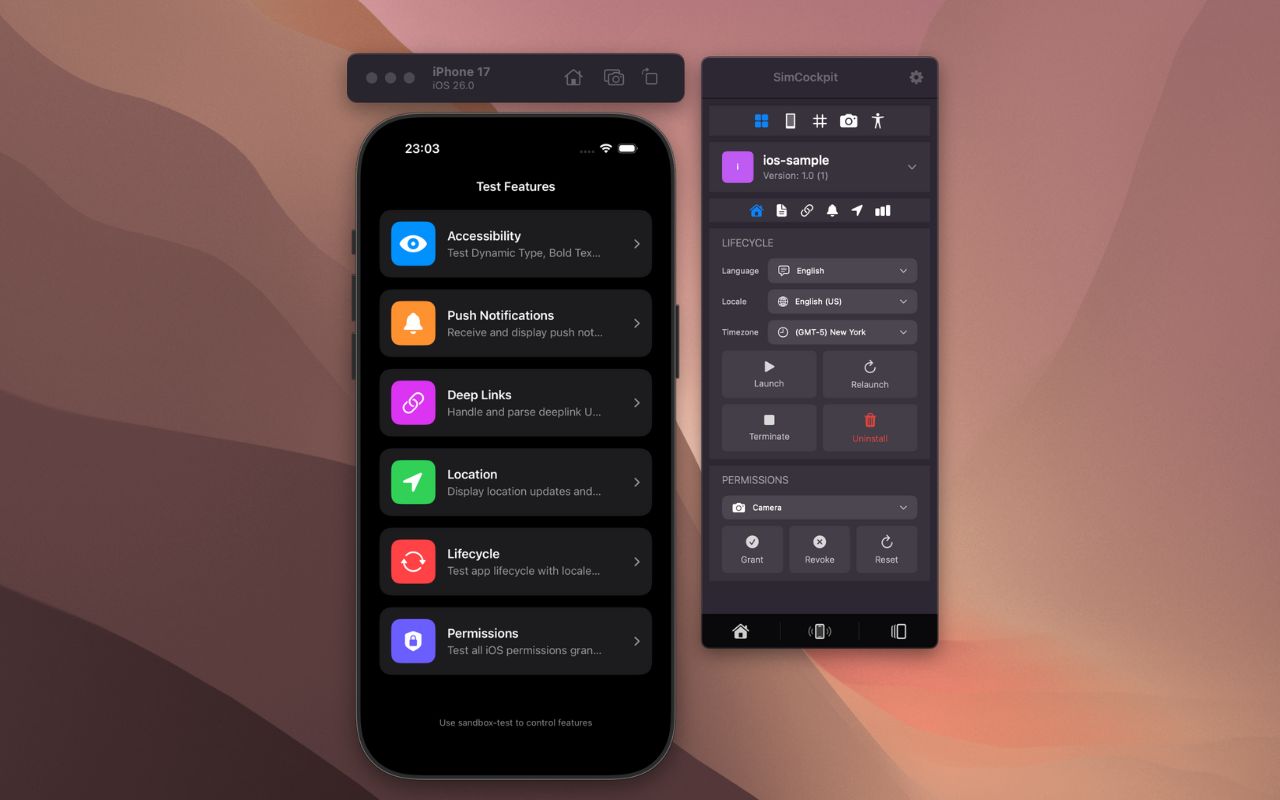
Stop hunting for simulator folders. SimCockpit is a floating window with all your essential tools.
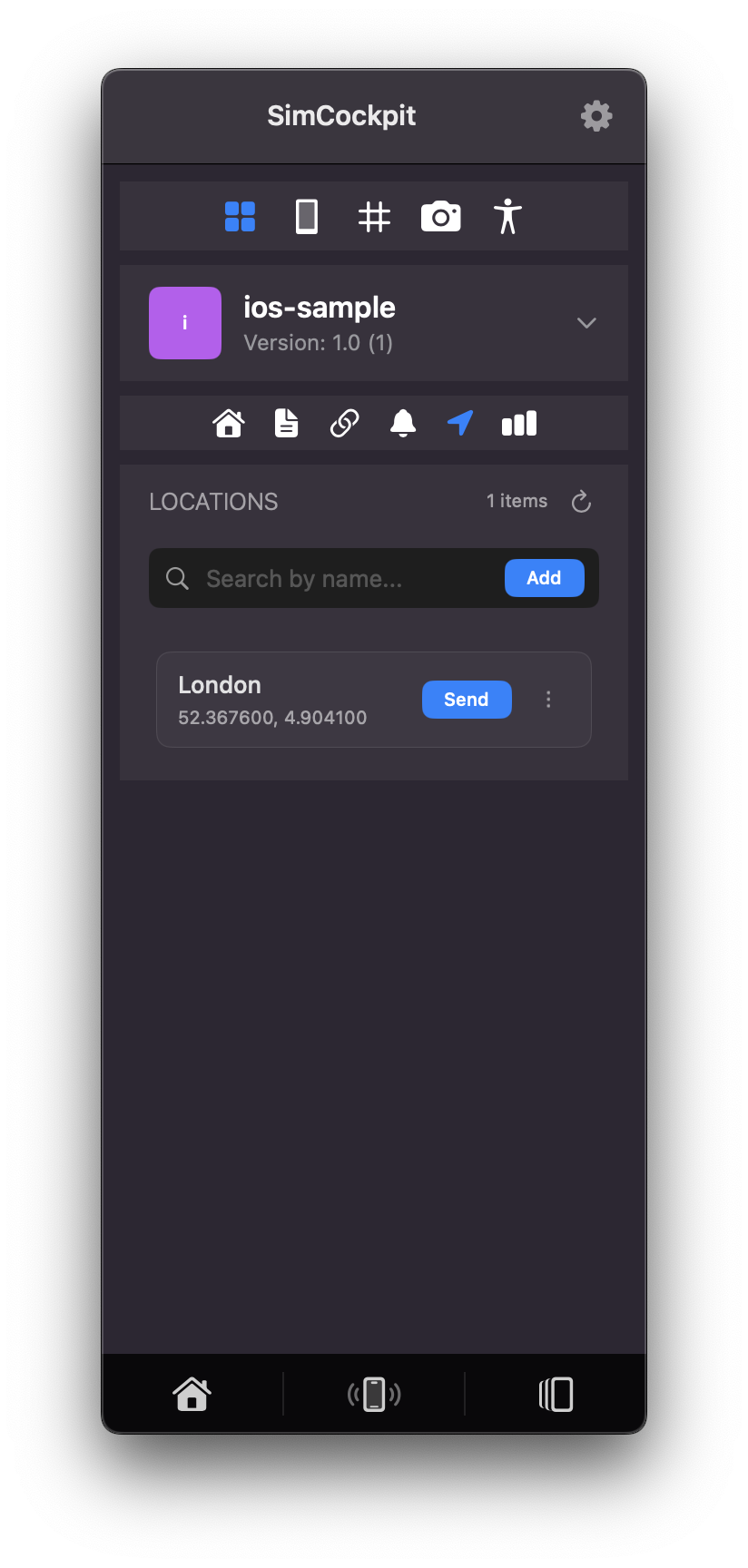
Simulate travel paths or specific GPS coordinates. Automatically adjust time zones to match the simulated location.
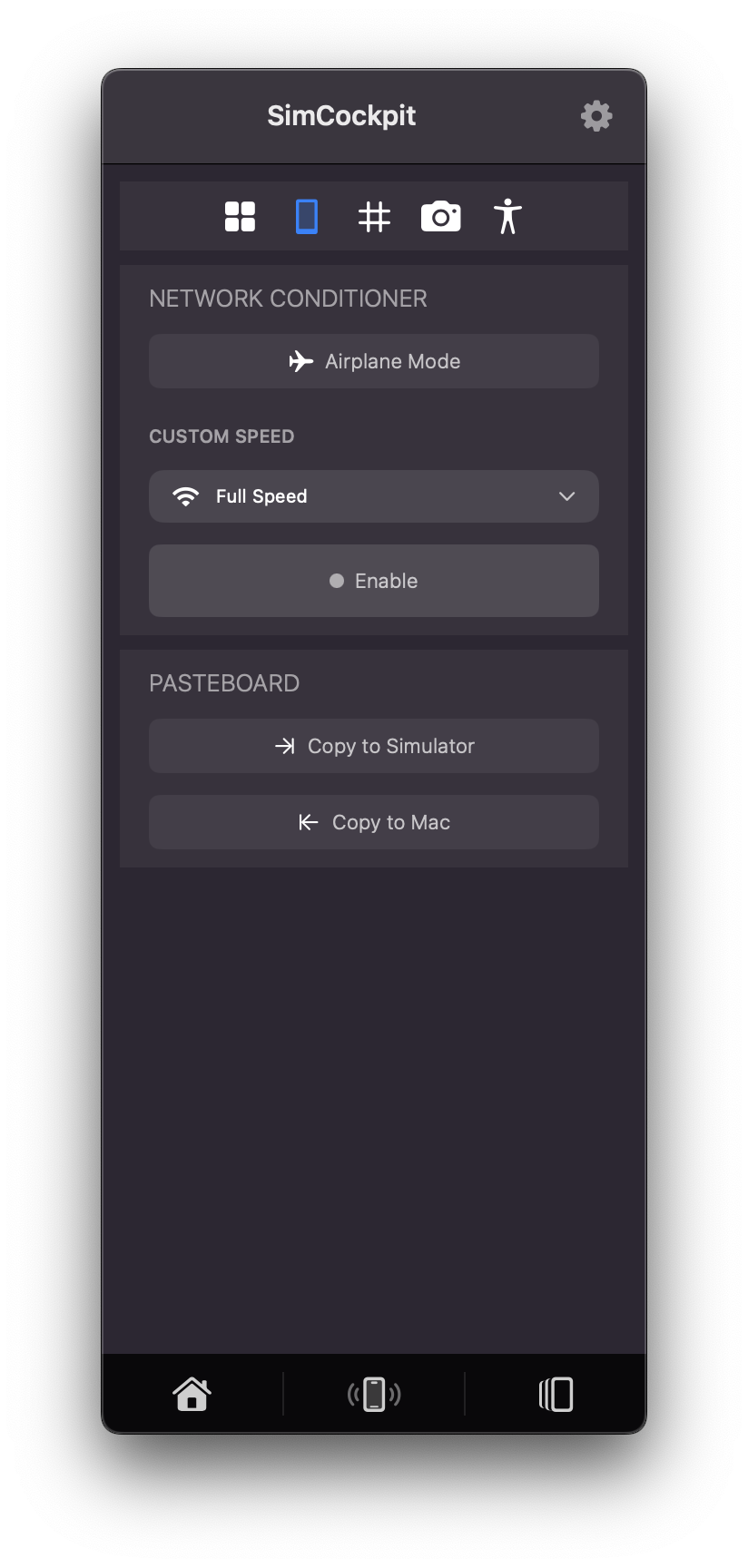
Mimic poor connections, 3G speeds, or total packet loss without affecting your host Mac.
Inspect and modify data values on the fly.
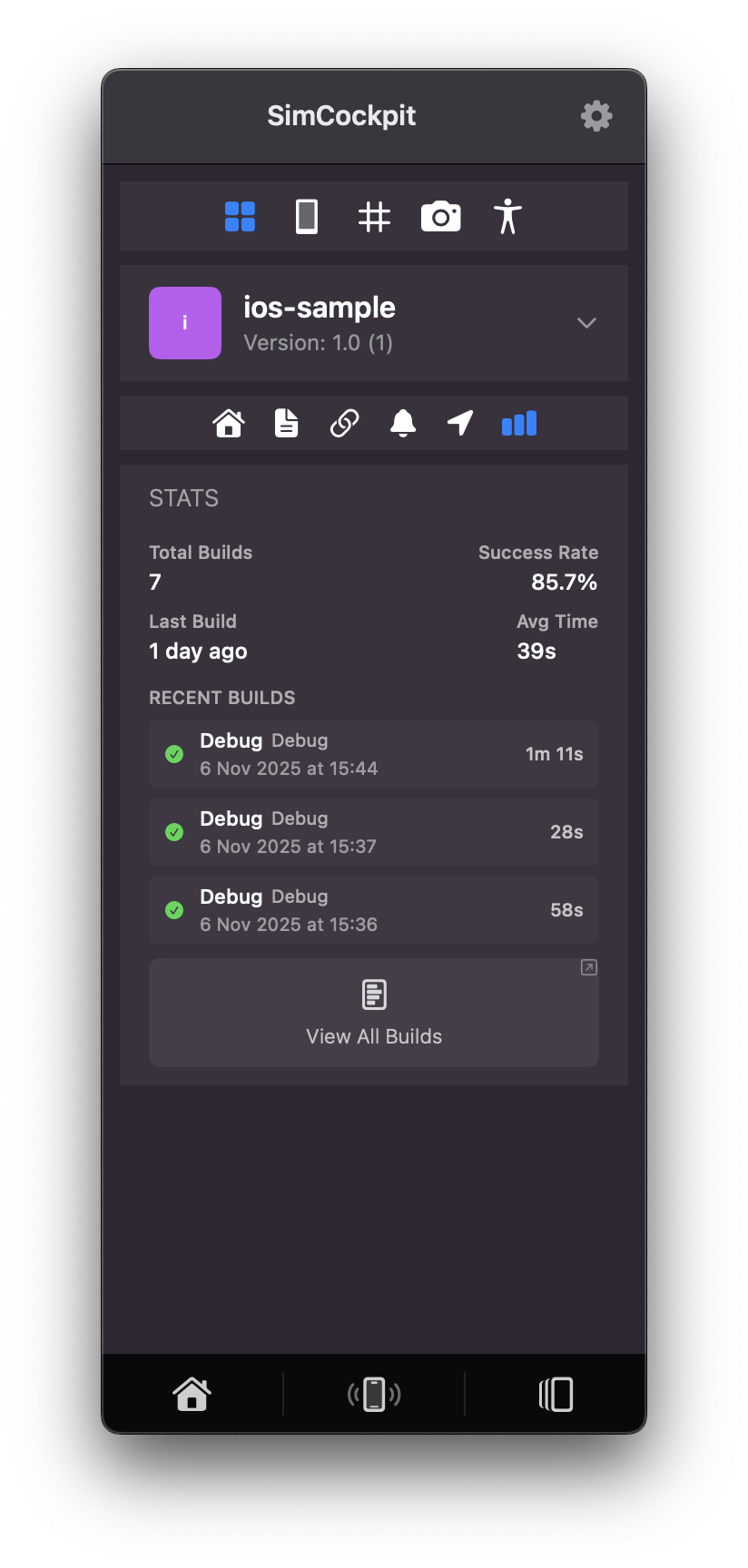
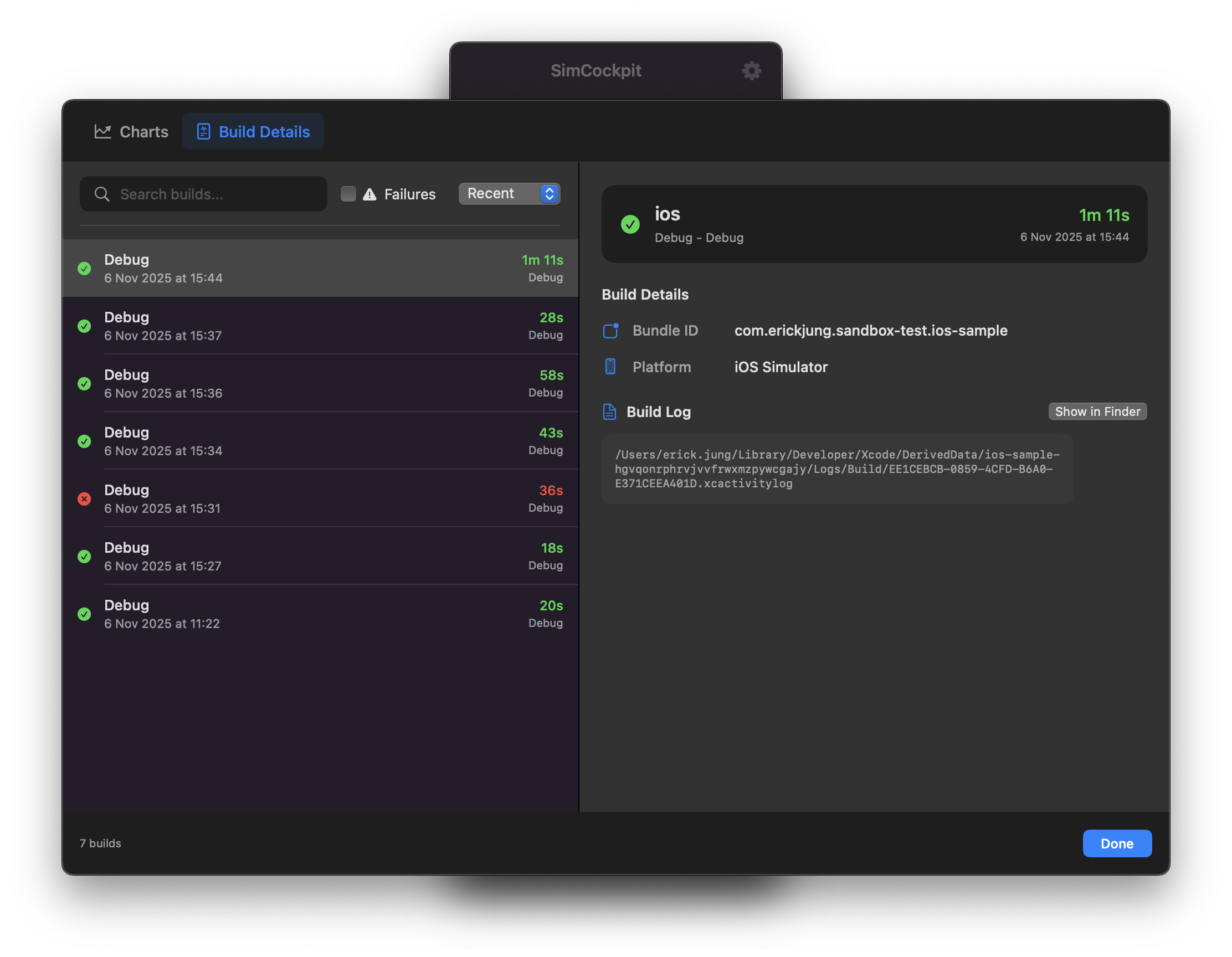
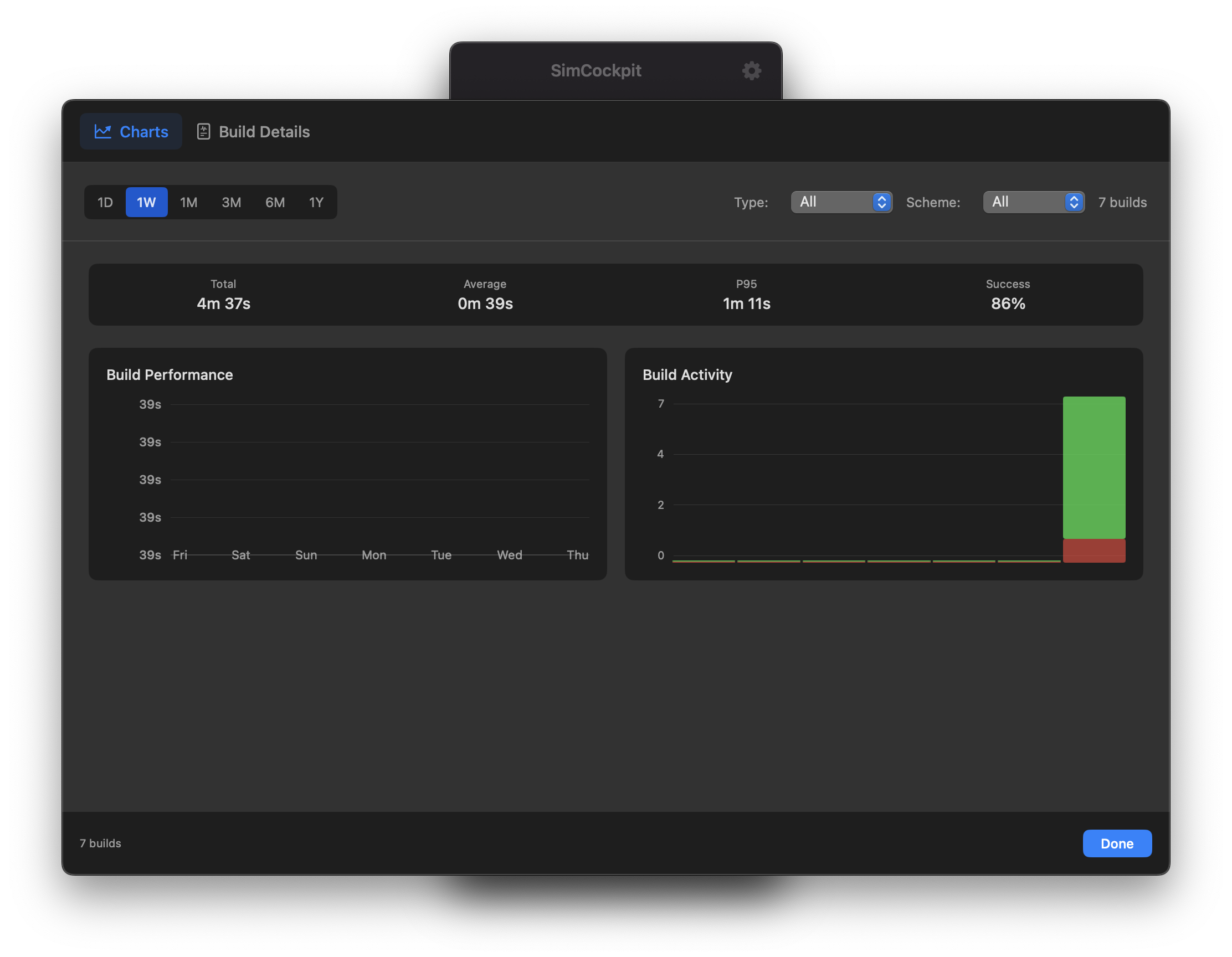
Monitor build frequency and compile times.
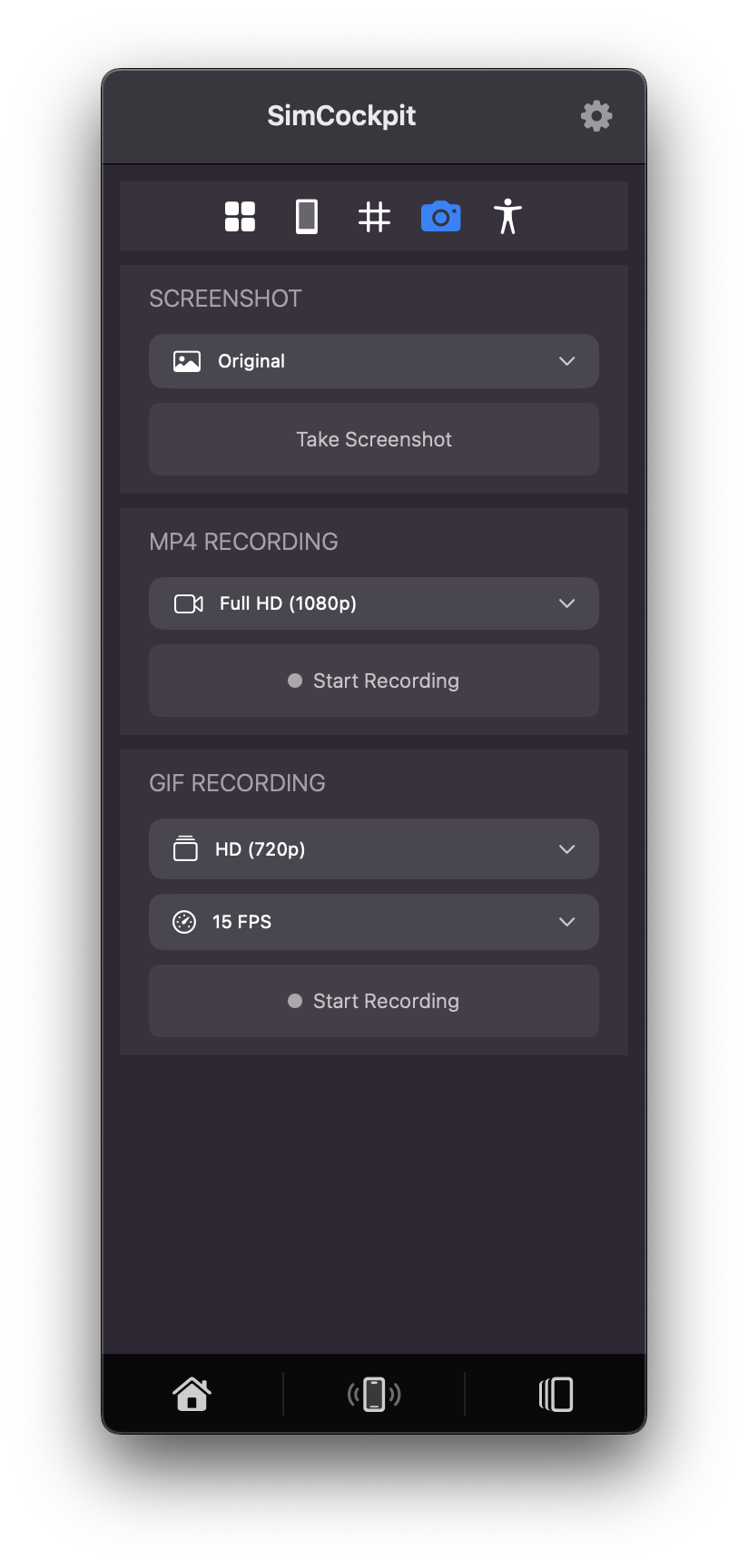
Edit video clips or transform screen recordings into MP4 or GIFs.
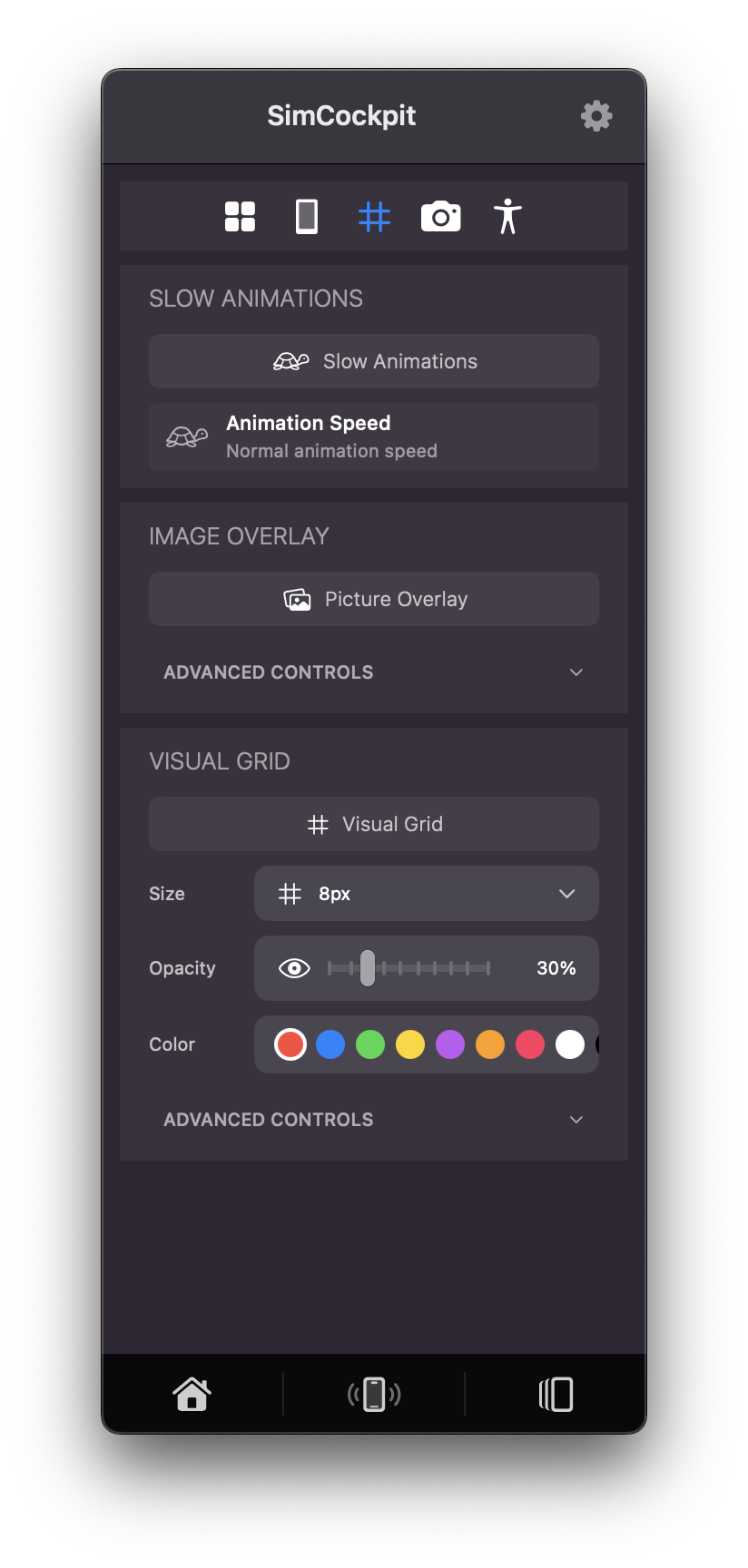
Utilize grids for exact layout verification and superimpose design mockups.
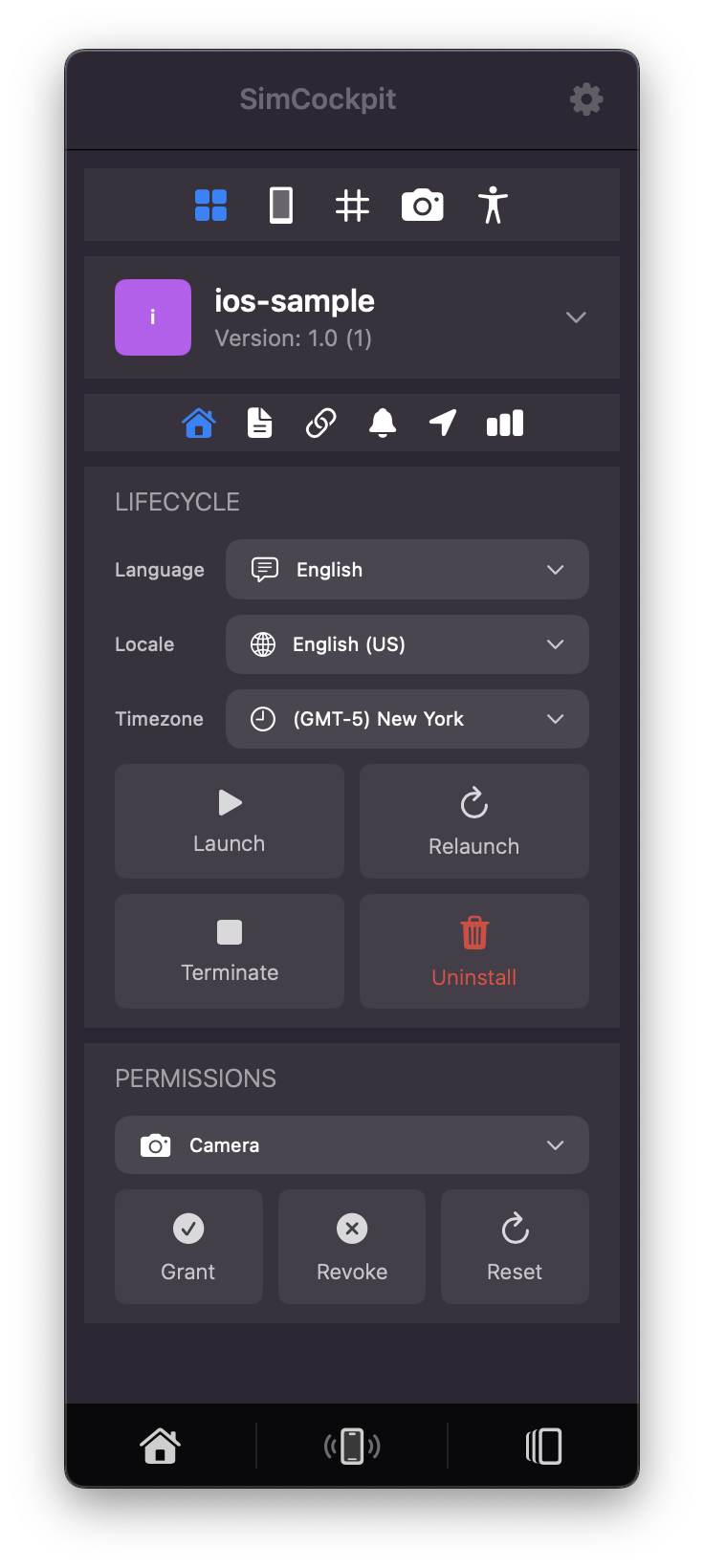
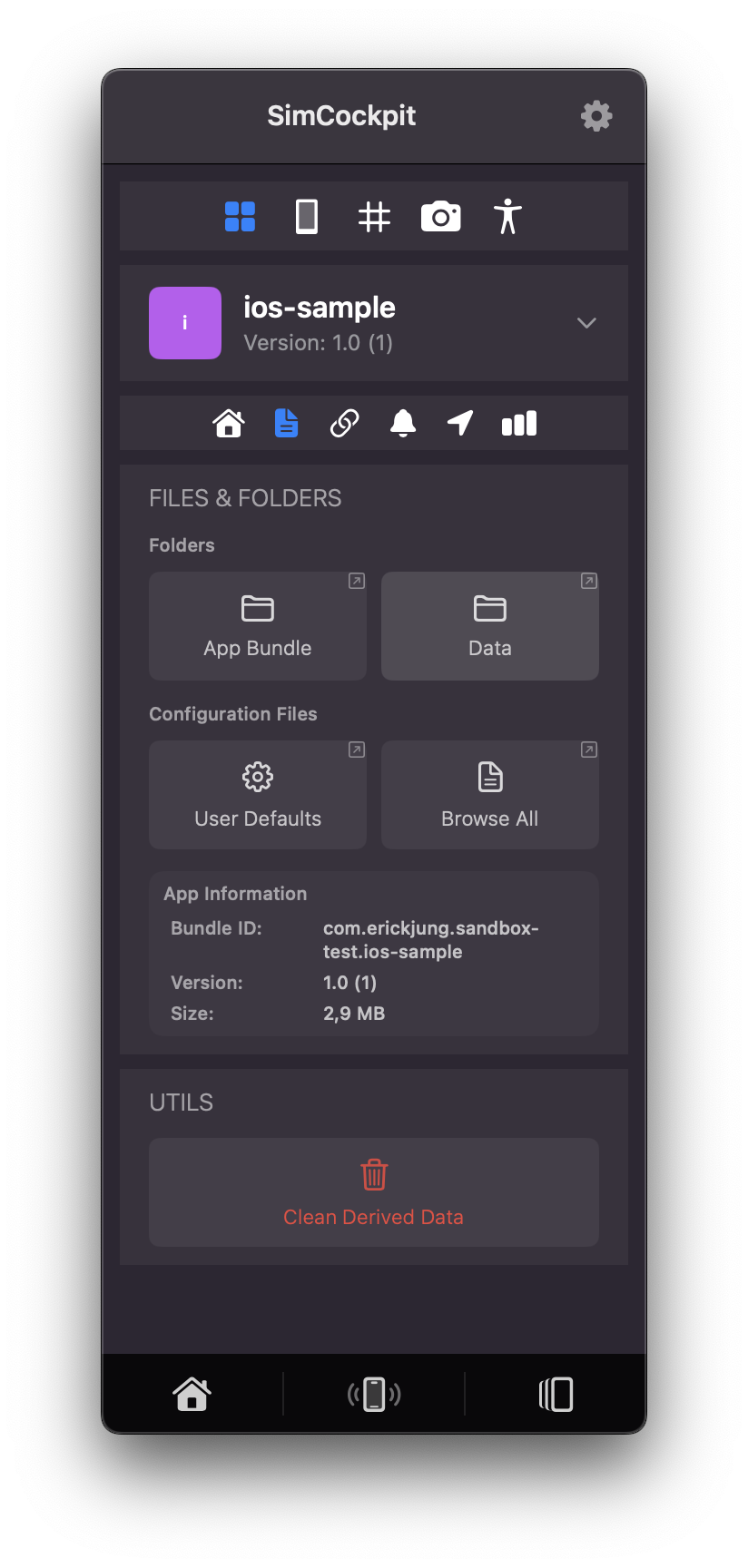
Wipe Derived Data or toggle privacy permissions instantly.
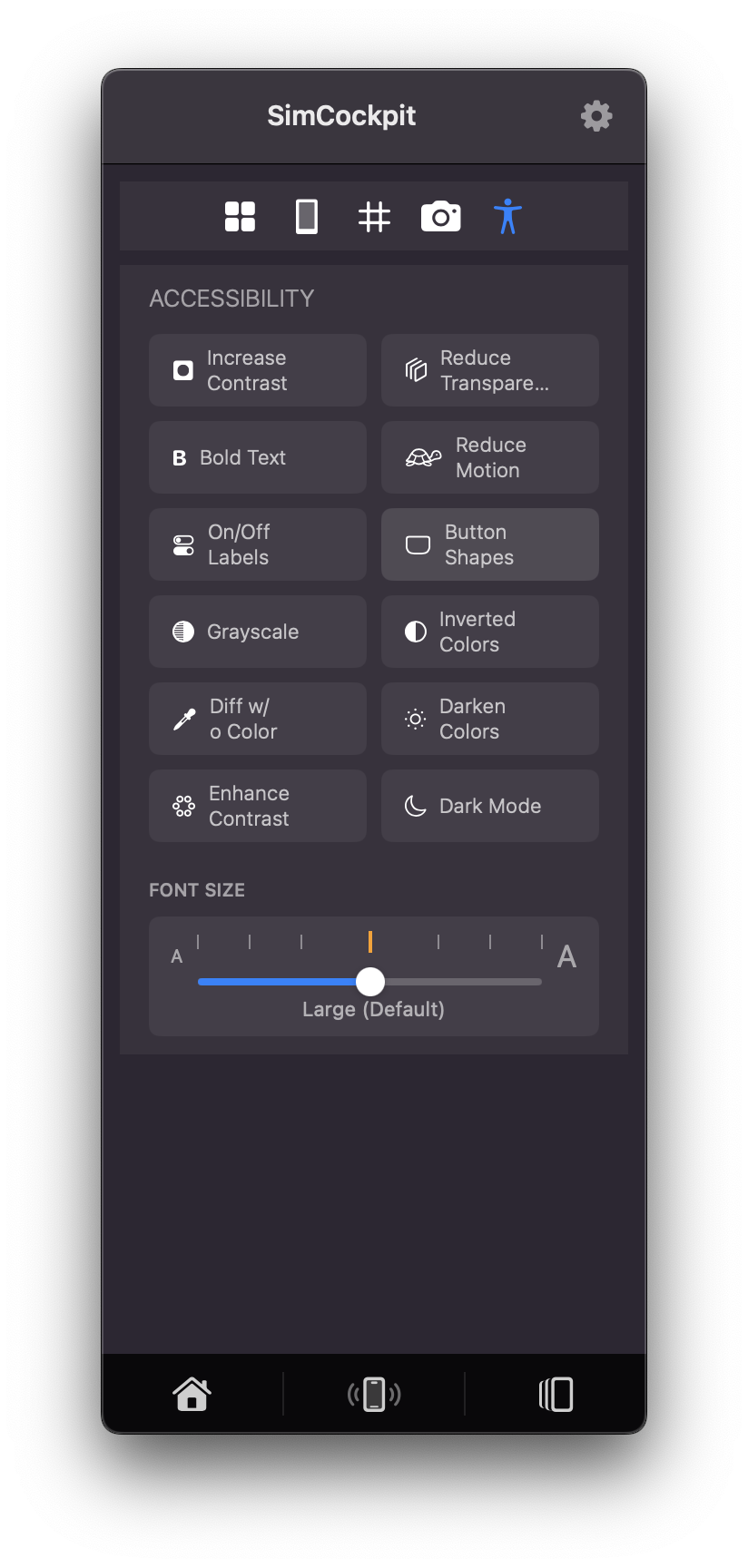
Switch Dark Mode or Dynamic Type scaling.
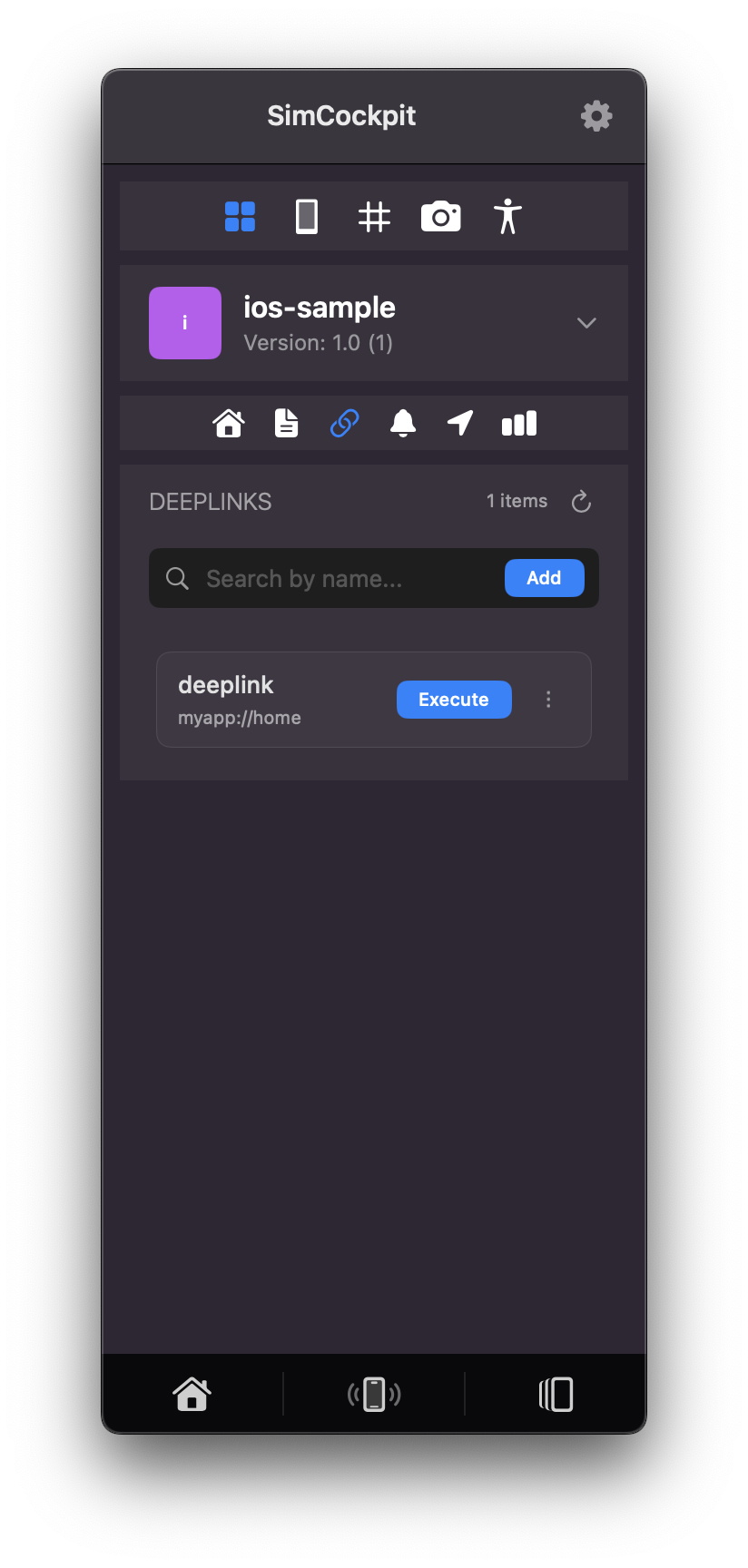
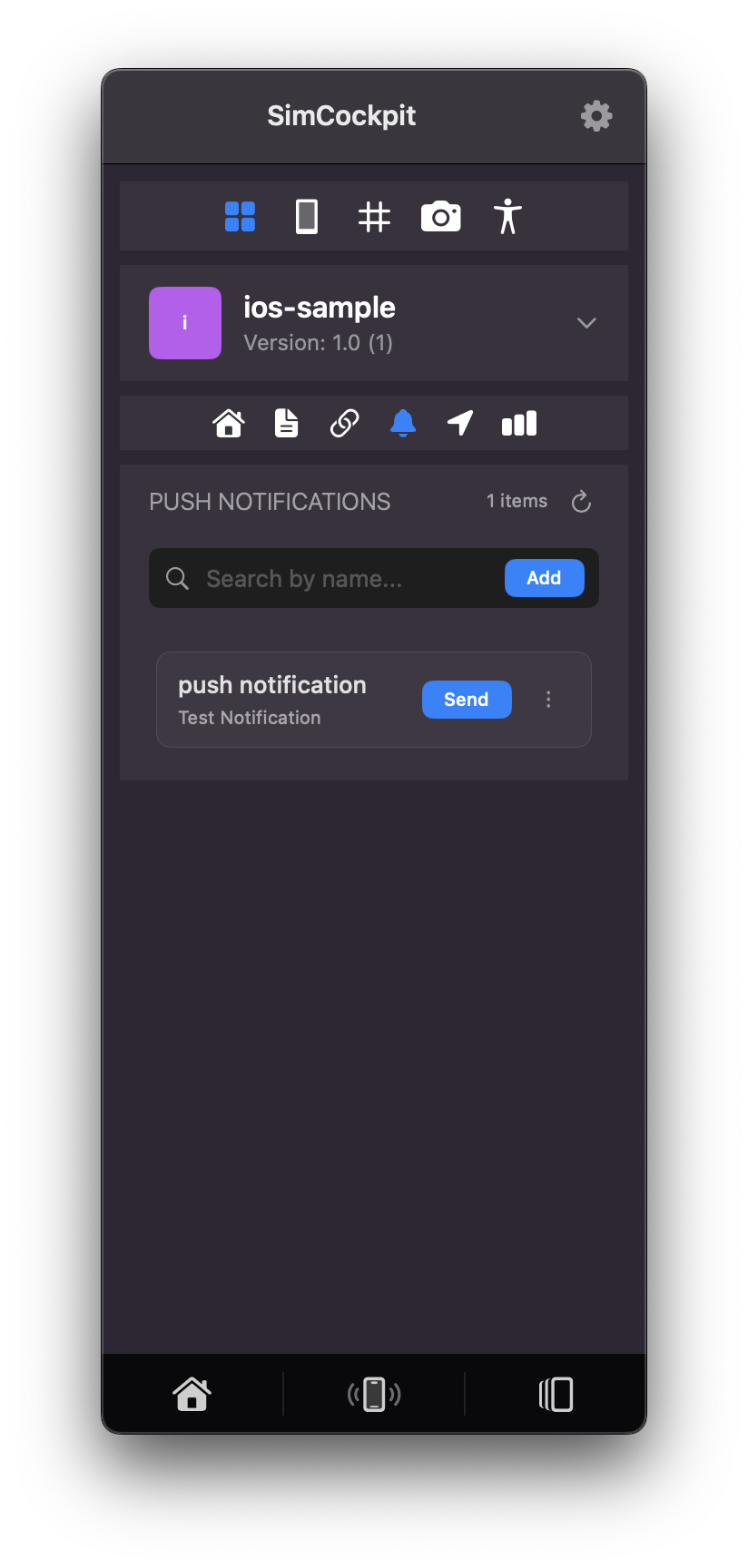
Validate universal links and push notifications.
See how SimCockpit transforms your simulator workflow with powerful tools and visualizations.
Your feedback drives our development. Request features, report bugs, or contribute to the project on GitHub.
Have an idea for a new feature? We'd love to hear it! Share your suggestions and help us prioritize what matters most to developers.
Request a FeatureFound something that's not working right? Let us know! Report bugs and help us improve SimCockpit's stability and reliability.
Report a Bug